
GET TO KNOW Audi

Audi app membership overview

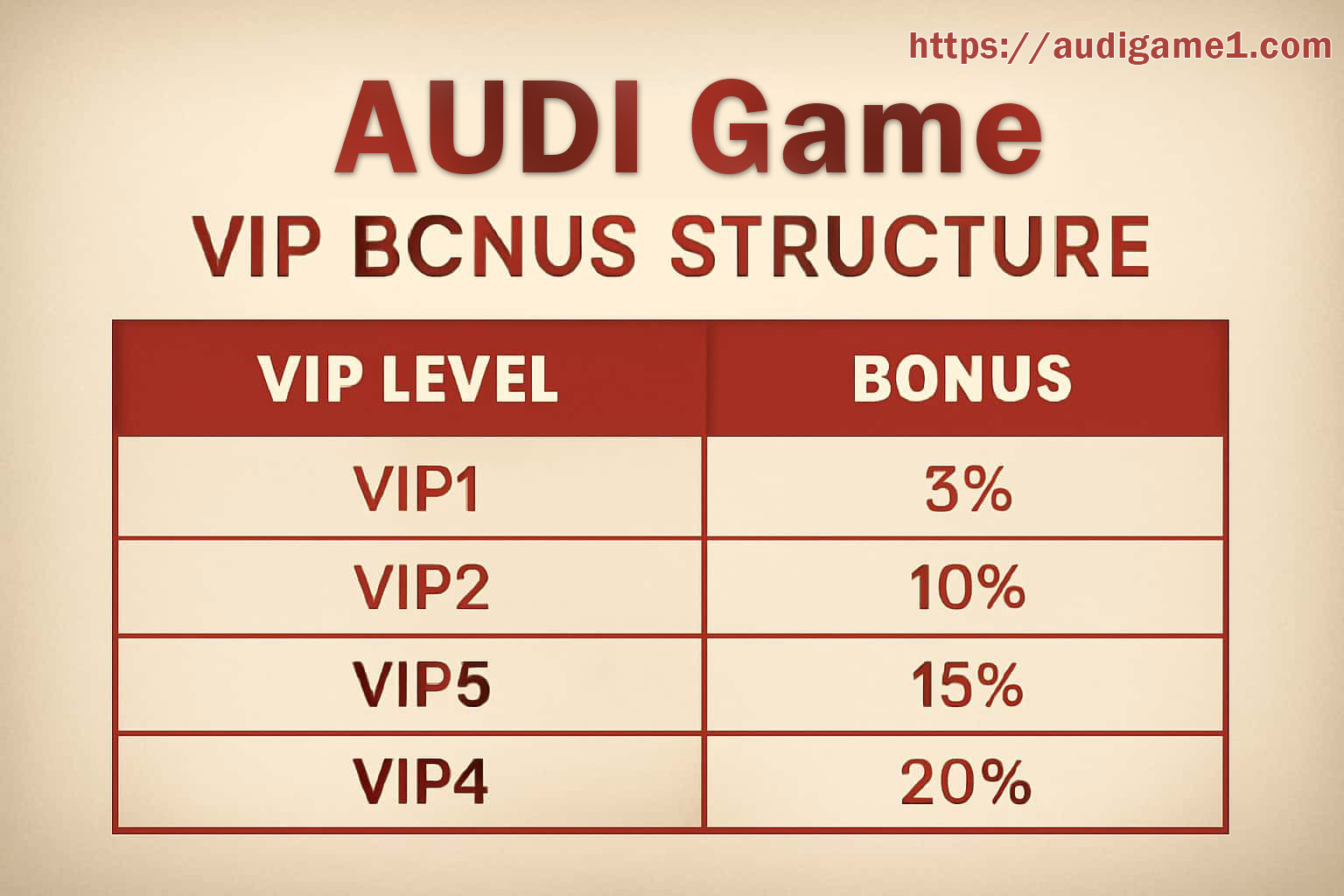
Find Your Audi Membership Level and Its Benefits

Your membership screen shows the level attached to your account and the progress toward the next one. Check it directly; another player’s benefits may be different.

A higher tier may open event entries, selected offers, or a different support route. Read each benefit’s dates and claim steps before making plans around it.

The membership screen in your account has the current details.

MORE ON THIS TOPIC

Things to check as you go

How Progress Is Counted

Account history, qualifying activity, completed checks, and event participation may contribute to the level shown in Audi.

What a New Level Can Bring

Benefits may include particular events, tailored offers, app features, or a faster way to contact support.

Read Each Benefit Before Claiming

Check the end date, eligibility, and use conditions. An extra should still fit the limits you chose for your time and budget.

Tier Events Have Their Own Rules

A member event may use different entry, scoring, or settlement conditions. Open its full page before joining.

When You Contact Priority Support

Give the page name, approximate time, and one readable screenshot so the team can locate the problem.

A Missing Benefit

Check your displayed level, verification status, campaign window, and claim control before sending a support case.